
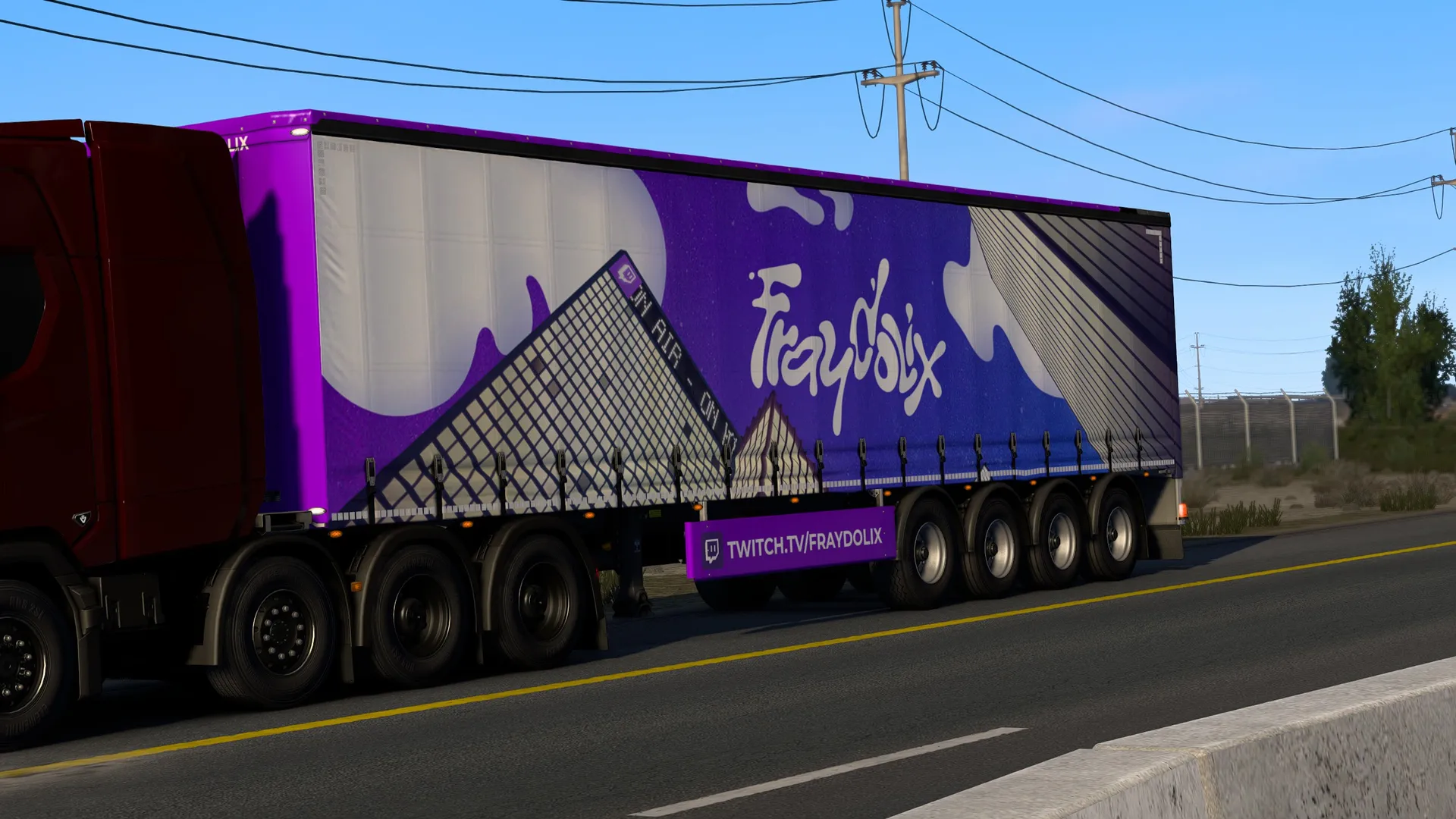
Fraydolix Industries

The Fraydolix ETS2 skin, on the road
A Fraydolix ETS2 skin bringing the official Fraydolix Industries look to Euro Truck Simulator 2 trailers, so Fraydolix's brand can travel the in-game roads.

Supported trailers
- SCS Box Trailer
- 136 Box - Standard Trailer
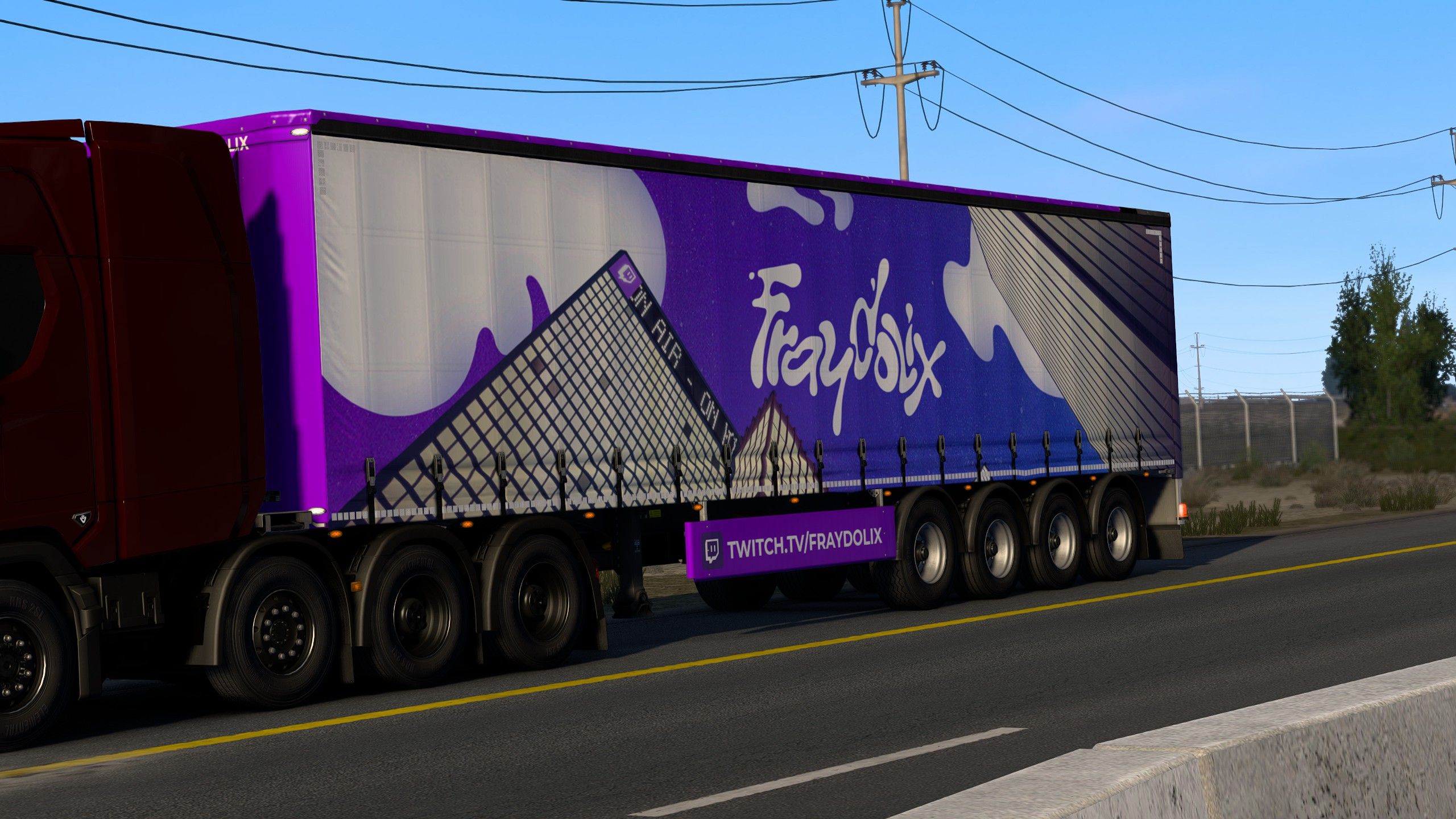
On the road: the purple-and-blue Fraydolix livery on the SCS Box Trailer.
Every detail carries the branding through, down to the mudflap:
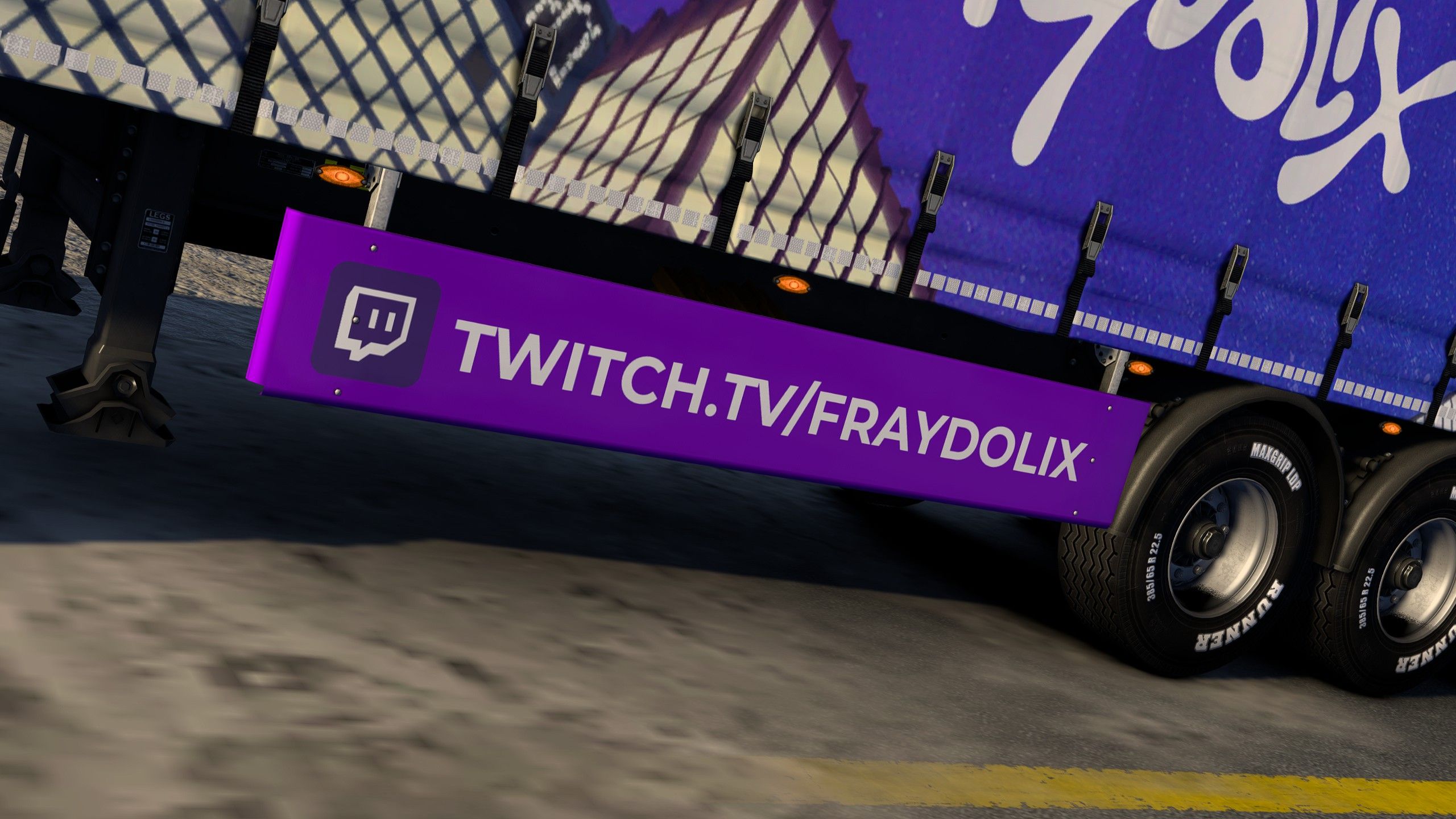
The Twitch.tv/Fraydolix mudflap, up close.
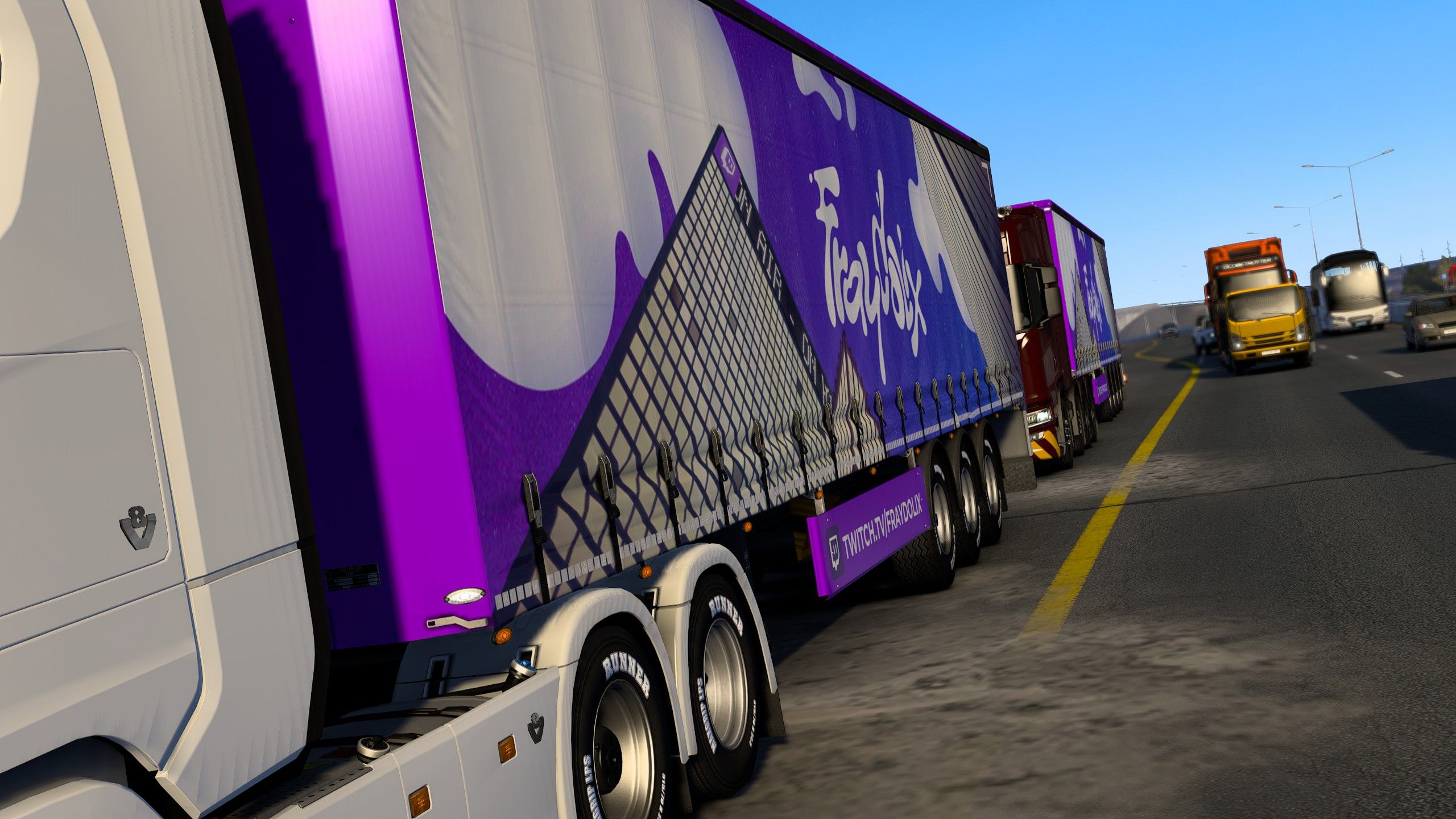
Two Fraydolix trailers crossing paths in traffic.
The corporate livery on the 136 Box - Standard Trailer
The pack's second supported trailer gets its own dedicated design: a black-and-red panel livery spelling out Fraydolix Industries - Logistique, Affrètement, Streaming, with the fraydolix.fr website and its signature tagline, "Il est lent ce lait !".
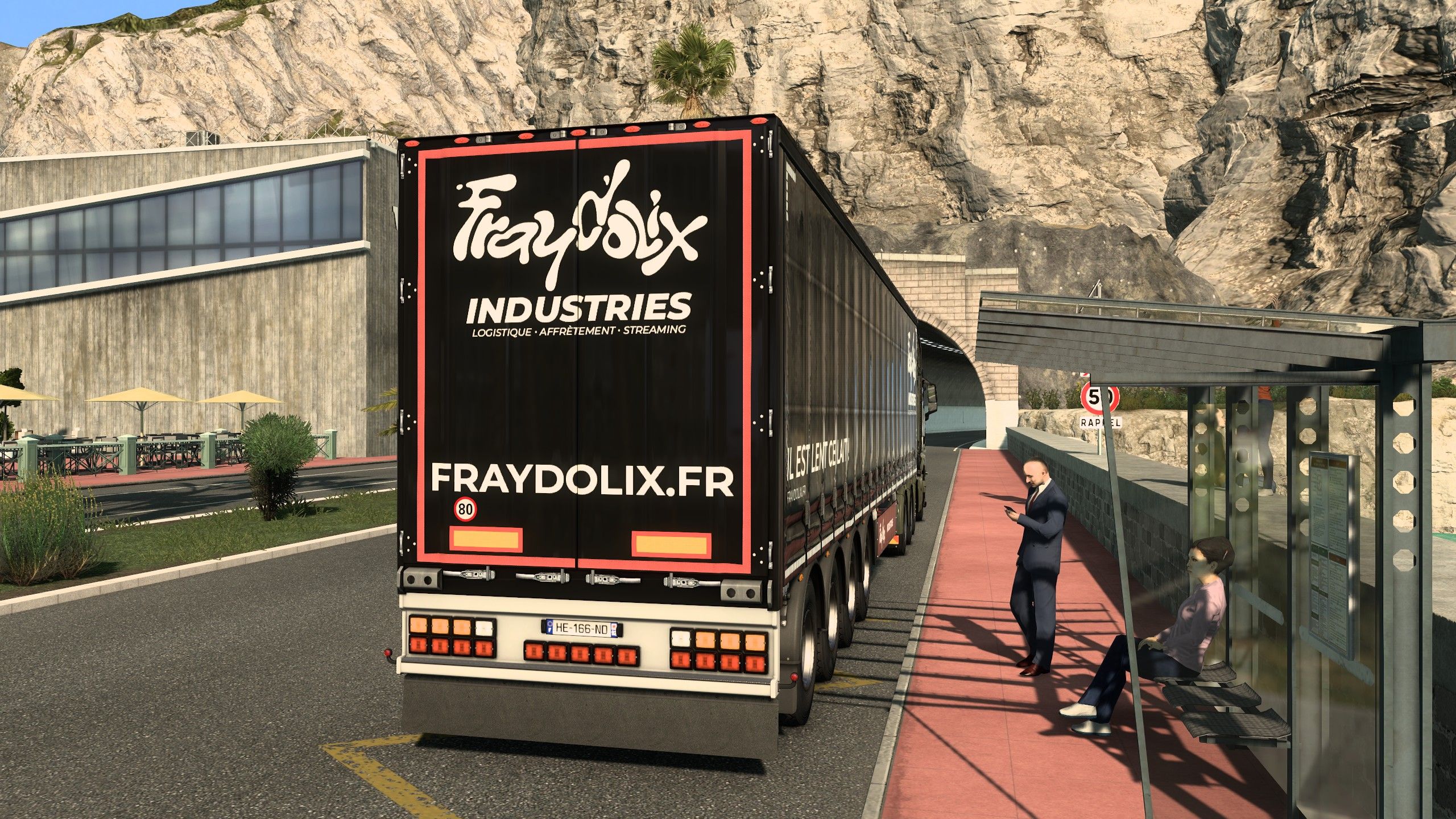
The corporate design, in full on the rear doors.
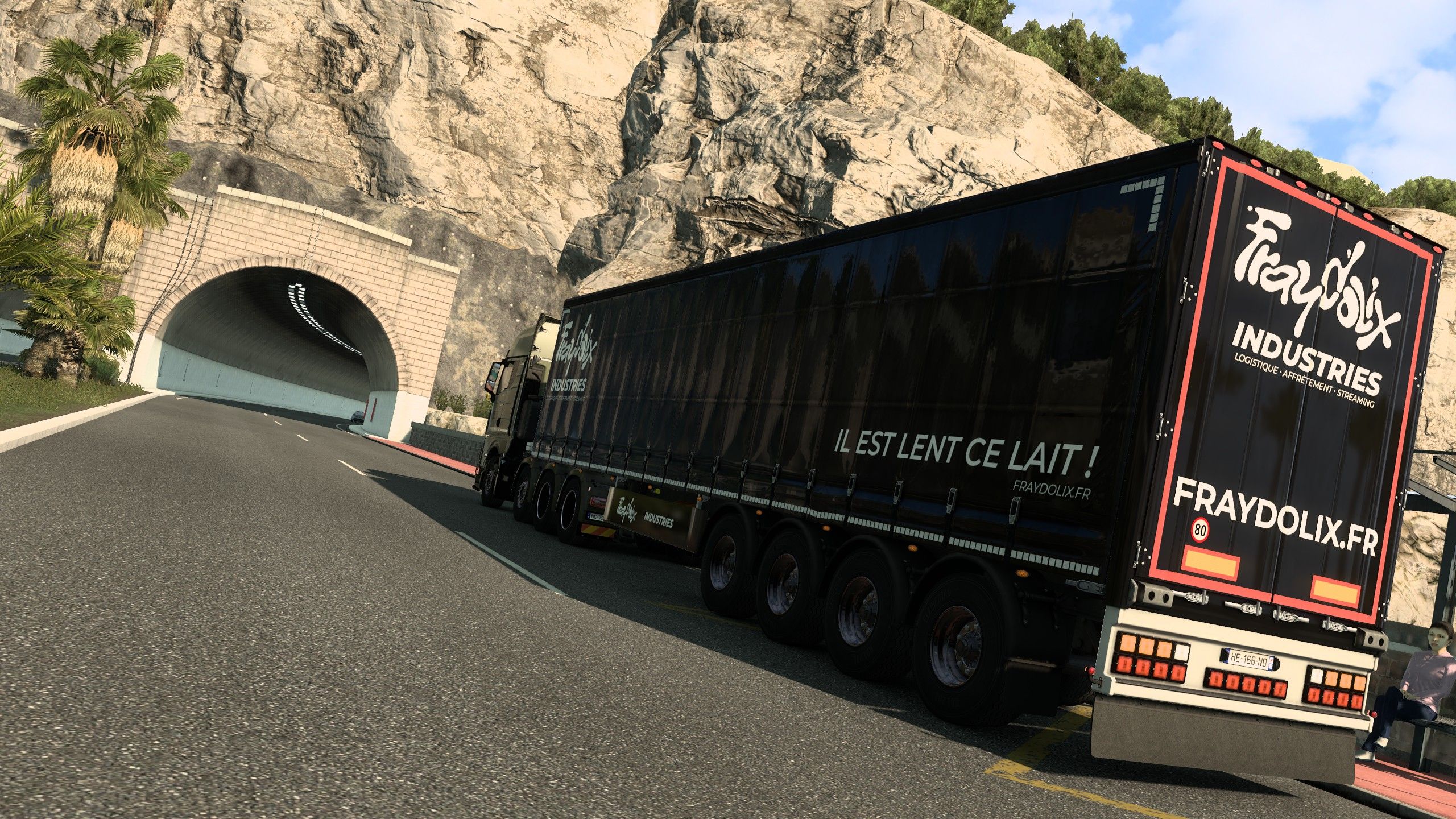
On the road toward a mountain tunnel.
A Pipou SMP crossover on the SCS Box Trailer
The pack also ships a crossover design for the SCS Box Trailer, promoting the Pipou SMP Minecraft server, still signed with the Fraydolix Industries mudflap.
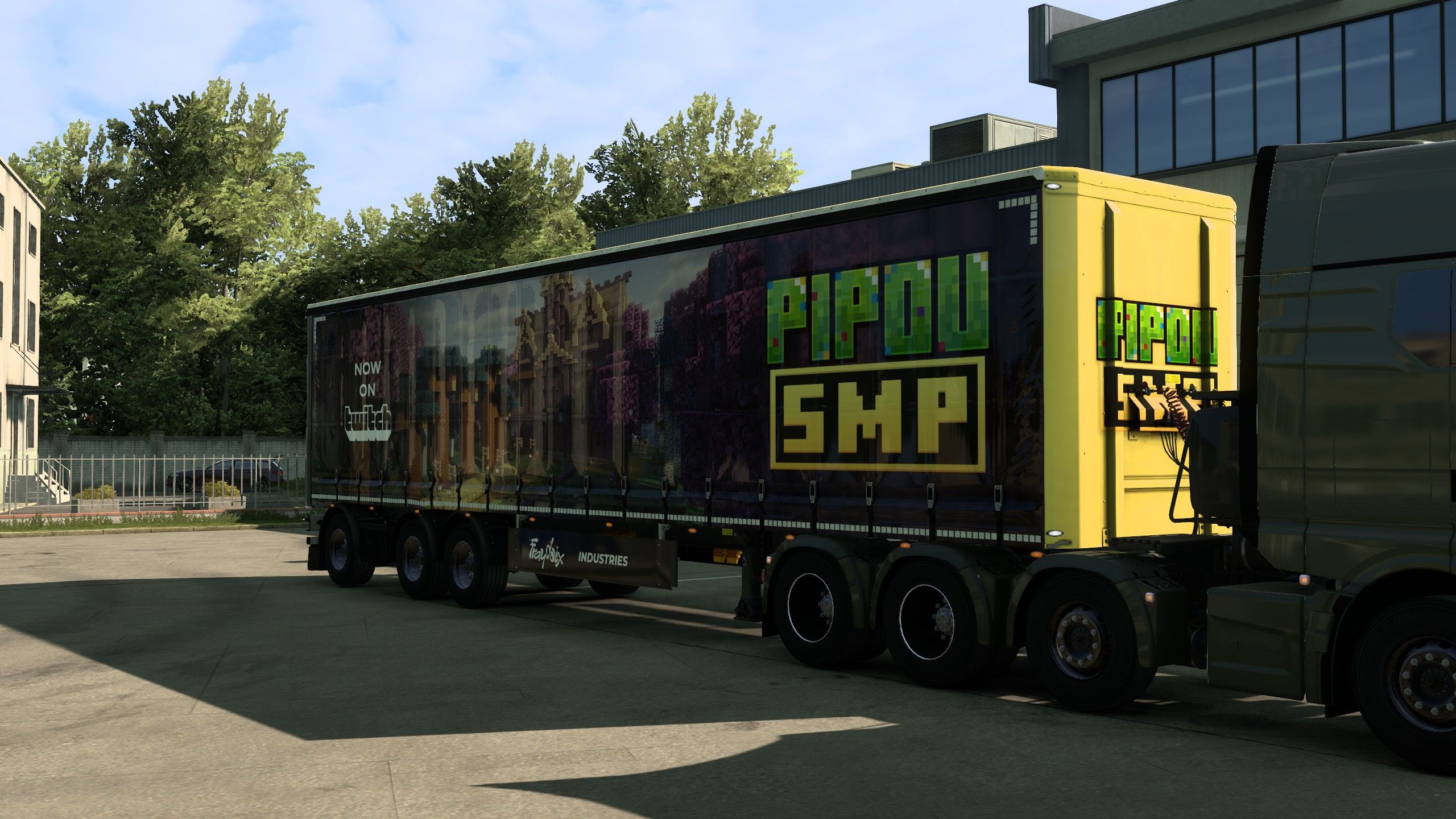
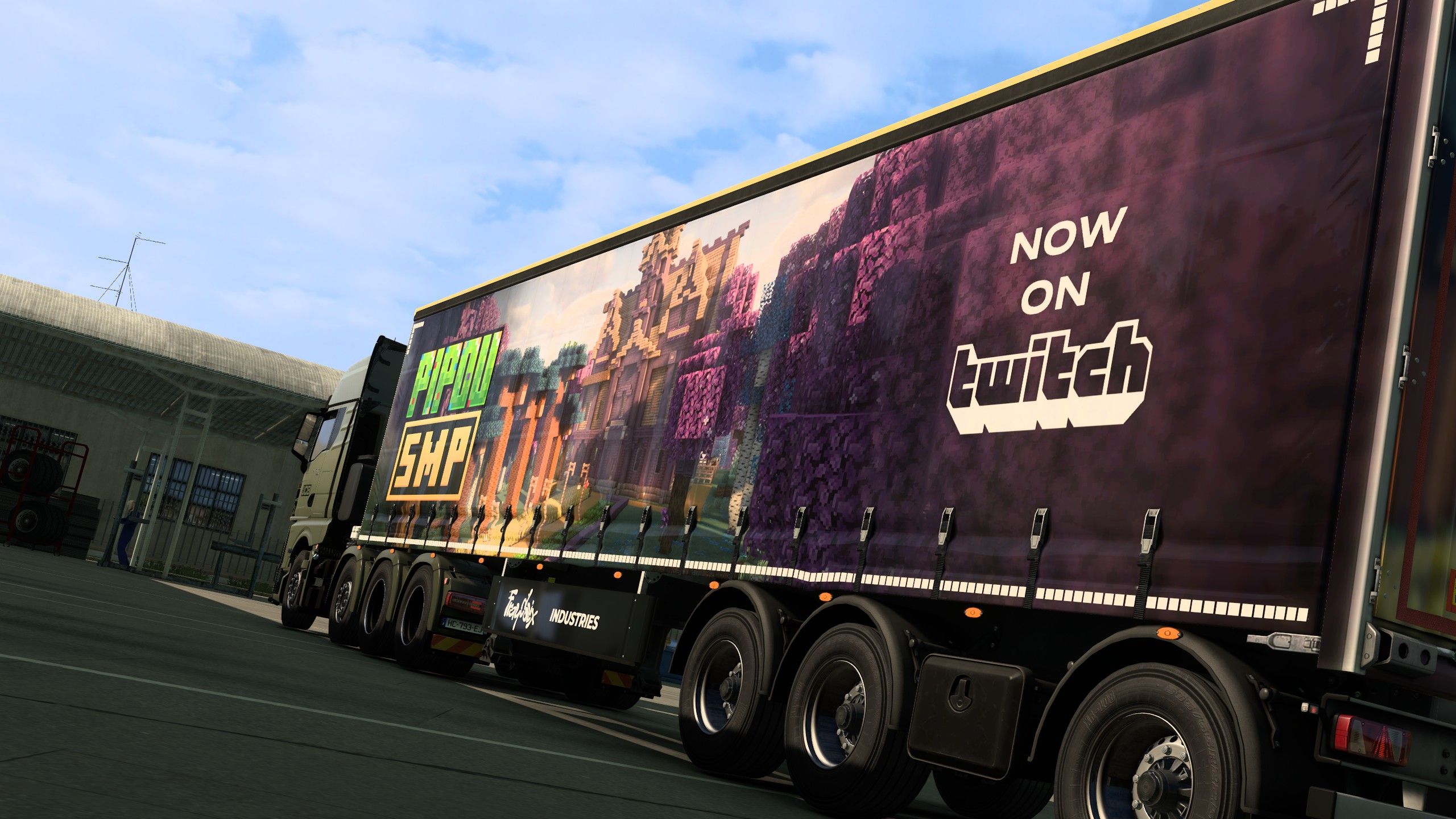
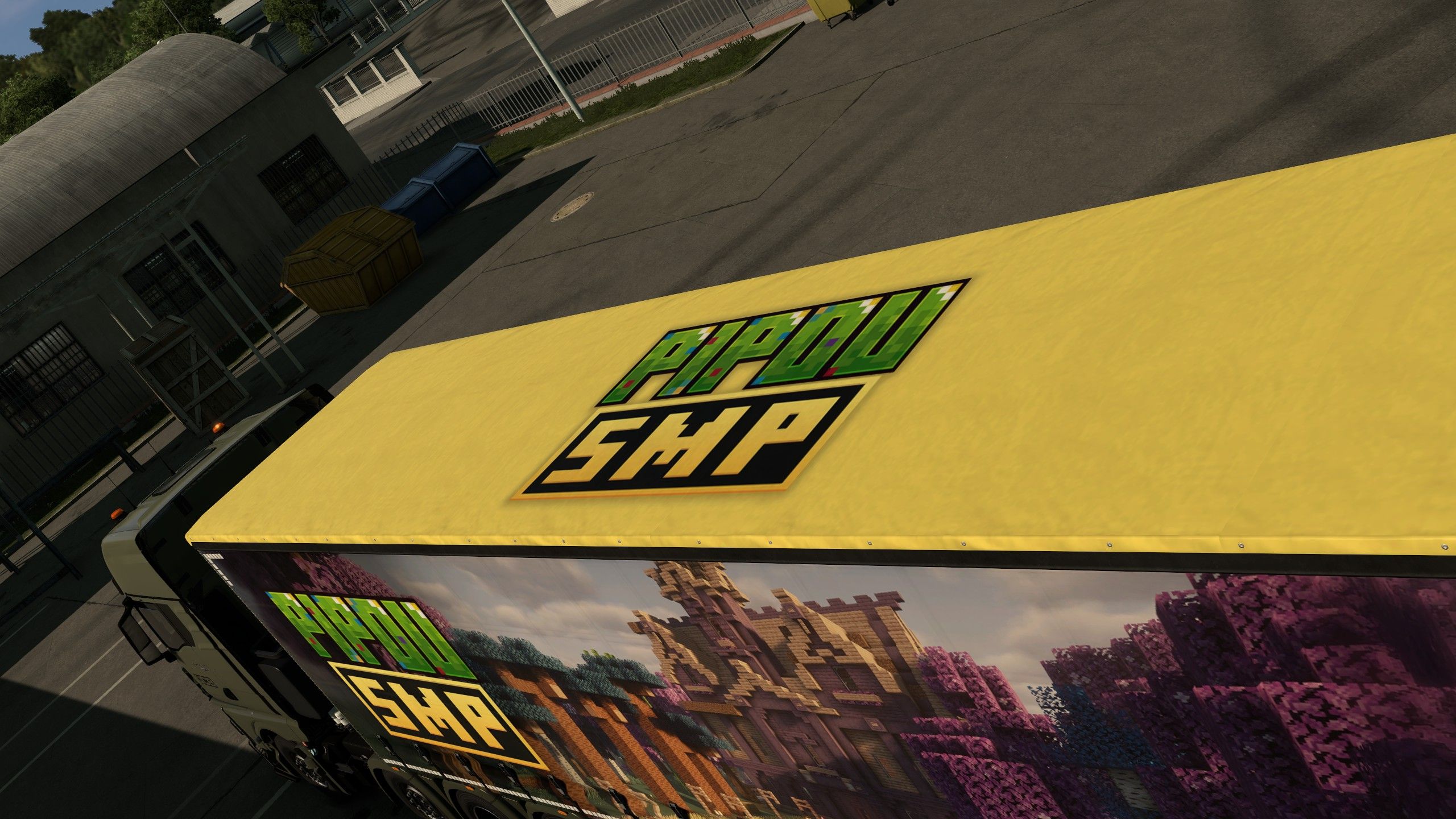
The Pipou SMP logo, painted straight onto the roof.
Made for a Thunder Studio co-founder
Fraydolix is a Twitch streamer and one of the co-founders of Thunder Studio. As a result, this pack puts the channel's identity on the road, from the purple-and-blue main livery to the mudflaps. For another branded livery, see our RaceBox trailer skin.
How to install the Fraydolix ETS2 skin
The skin is published on the Steam Workshop, so installing it only takes a minute:
- Open the Steam Workshop page and click Subscribe.
- Launch Euro Truck Simulator 2 and open the Mod Manager from the profile screen.
- Enable the Fraydolix Industries mod, confirm the changes, then load your profile.
Credits
- Skin: Toine
- Assets: Fraydolix, @nelf_ographie, @peaiink
Available now on the Steam Workshop.